Looking to open an Upstox account? Our comprehensive guide will walk you through the seamless process of creating a new Upstox account. Learn everything you need to know about opening an Upstox account, including key steps such as how to open an Upstox demat account and understanding Upstox demat account charges. Follow our step-by-step instructions on how to register an Upstox account, and gain insights into the benefits of having an Upstox account. Don’t miss out on the opportunity to explore the world of online trading – start your journey by creating an Upstox account today!
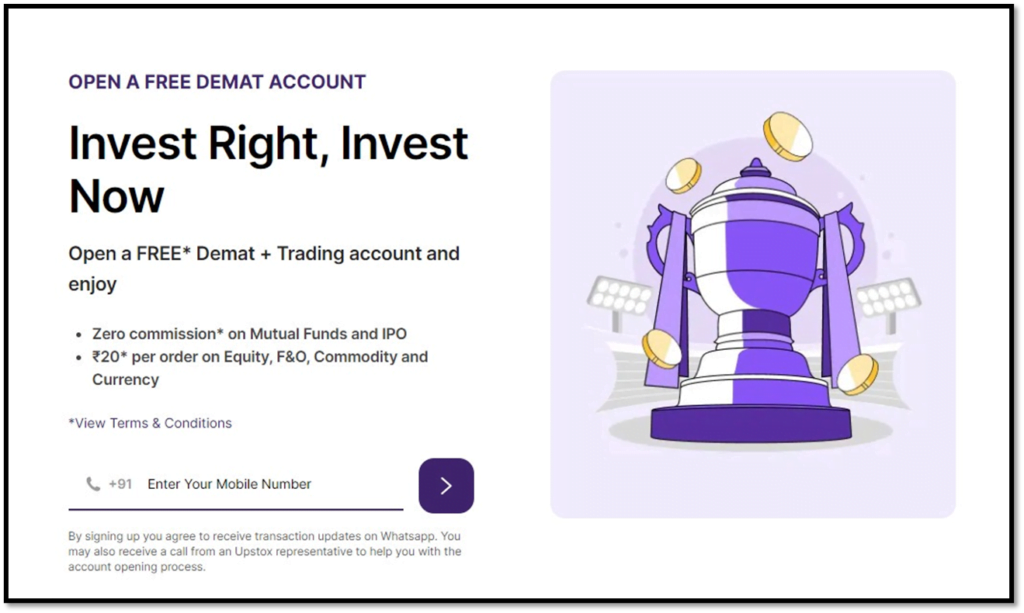
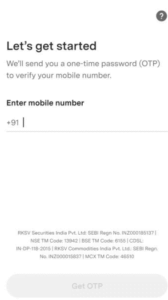
Begin your Upstox journey at Visit Upstox, registering swiftly with your mobile number.
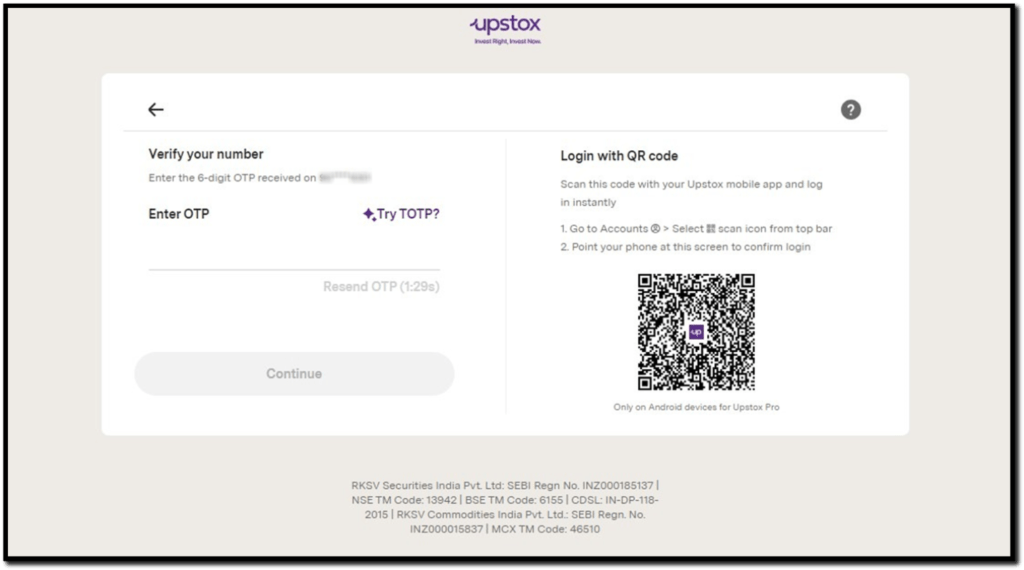
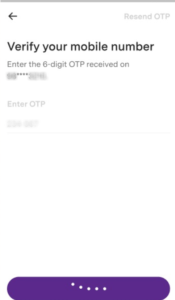
Download the app and verify your 10-digit mobile number with a simple OTP.
Click on ‘Create Upstox Account’ at the top.
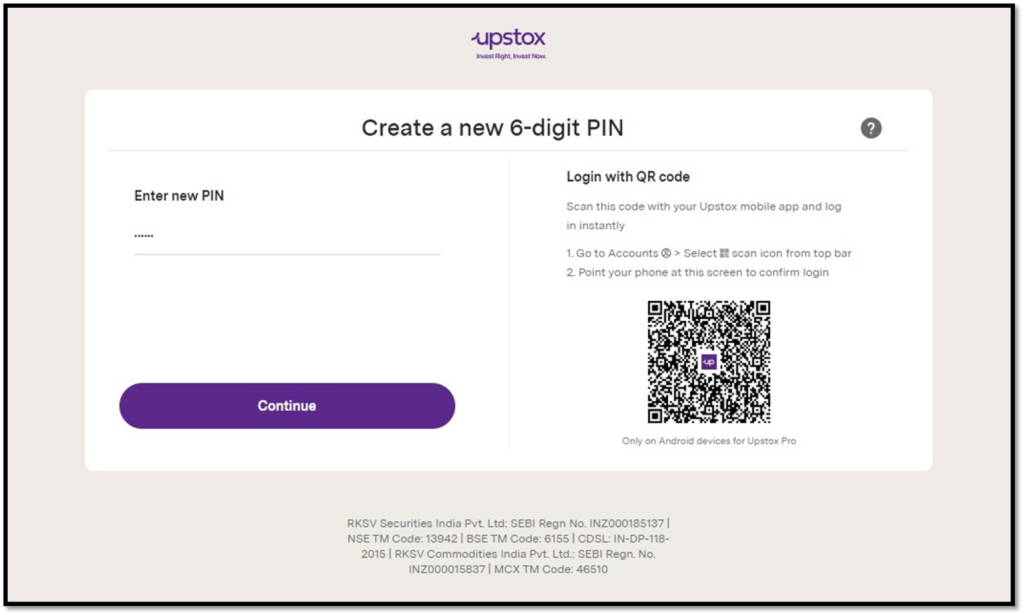
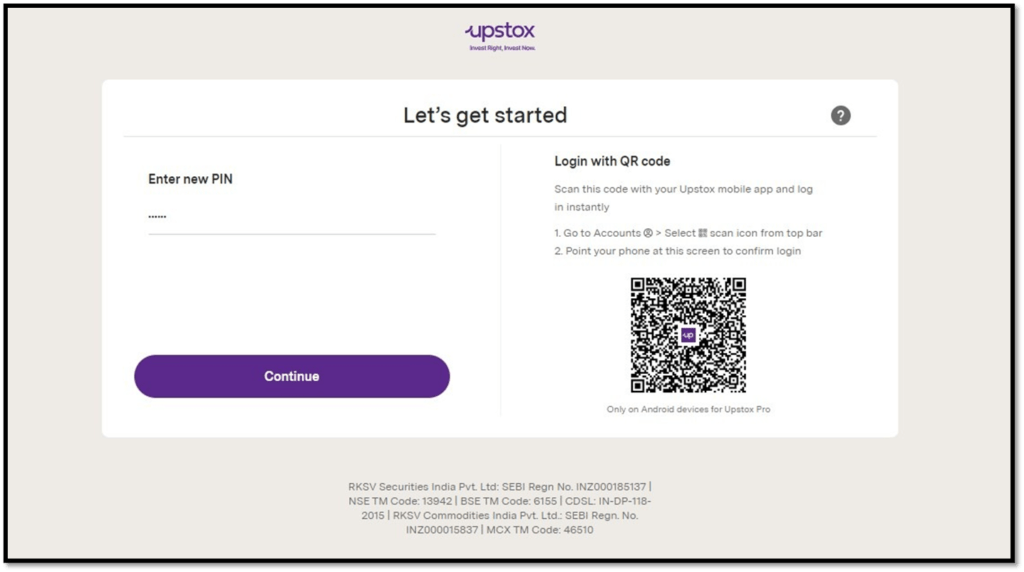
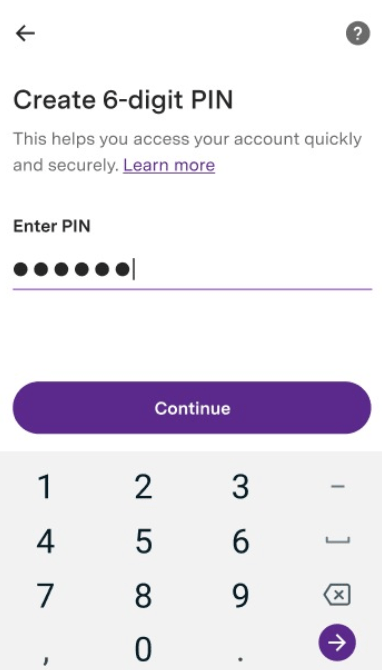
Once you enter the OTP, you have to create a 6-digit PIN and re-enter it to confirm the same.
After this, you will be able to login & click on the ‘Create Upstox Account’ button at the top.
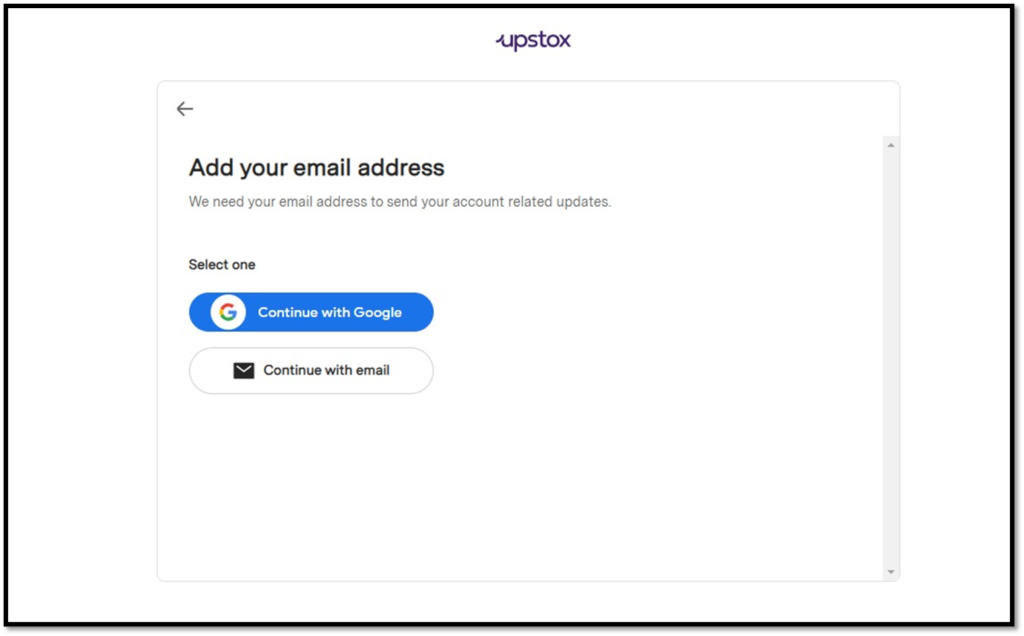
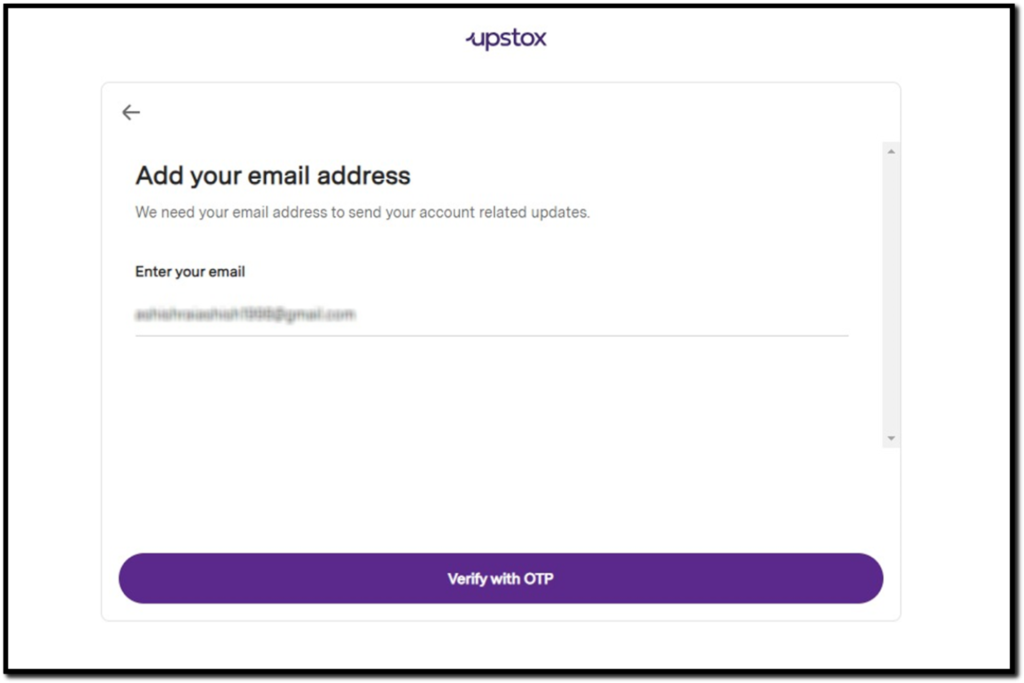
Input your email address and validate it using a prompt OTP.
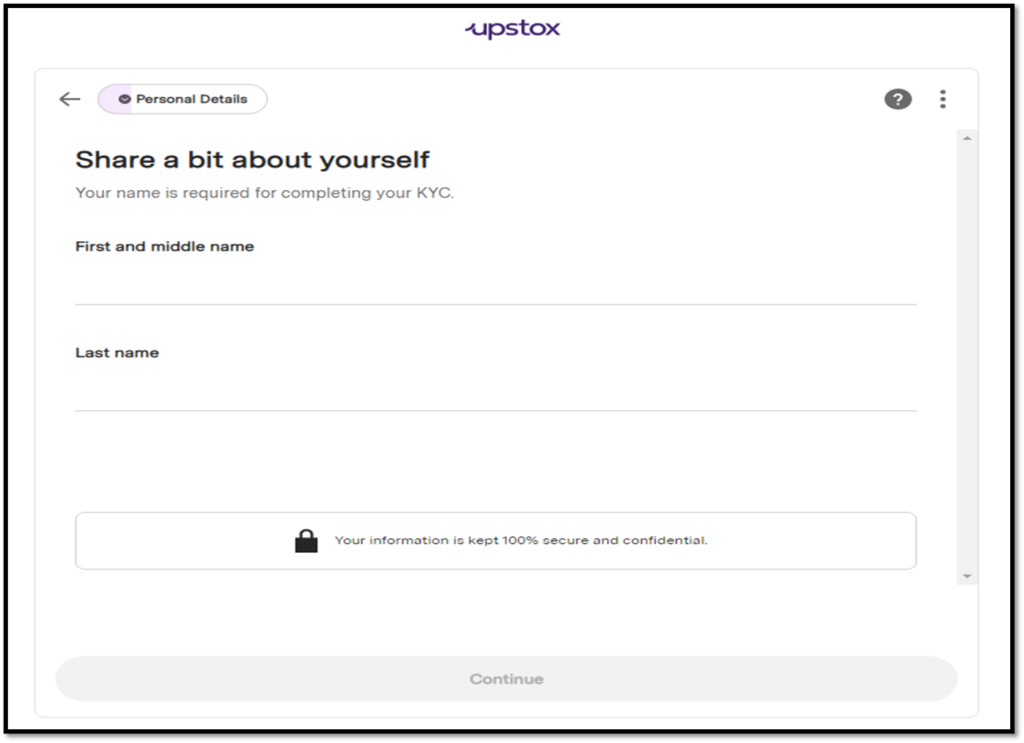
Enter your first and last name, then click ‘Continue.’
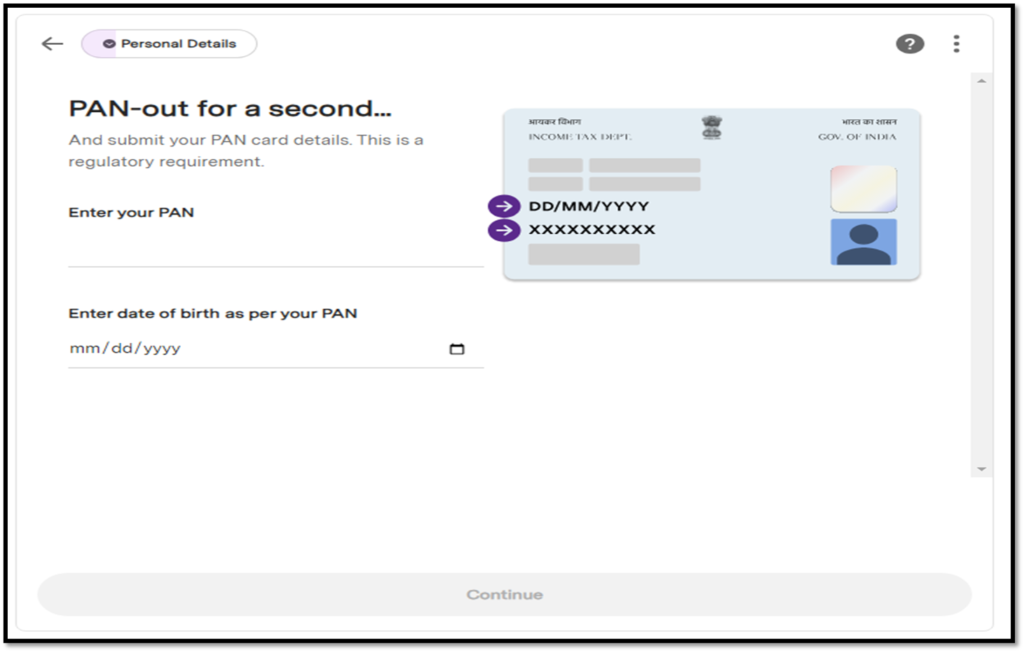
Furnish vital PAN details and your date of birth for comprehensive account setup.
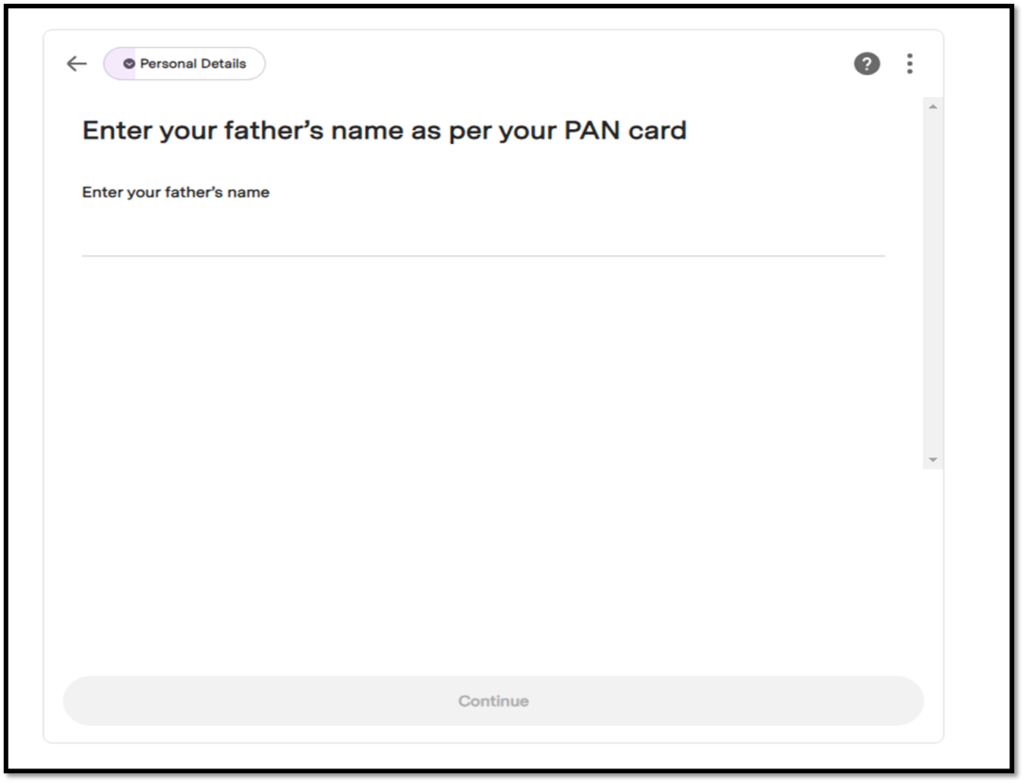
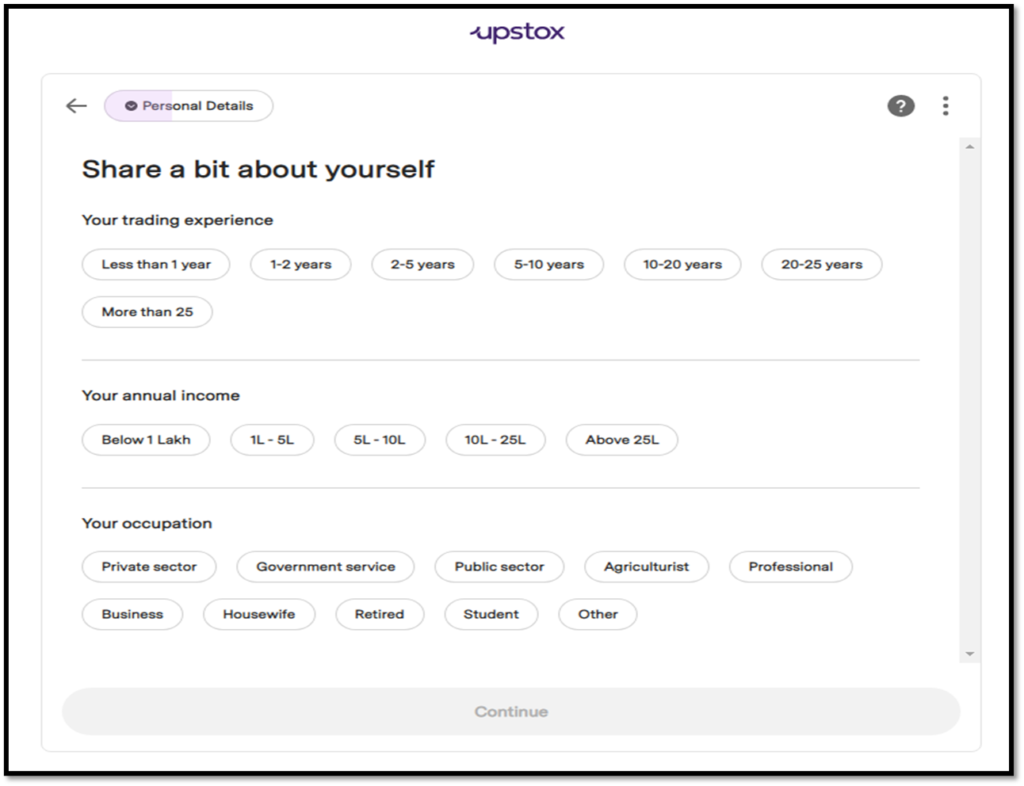
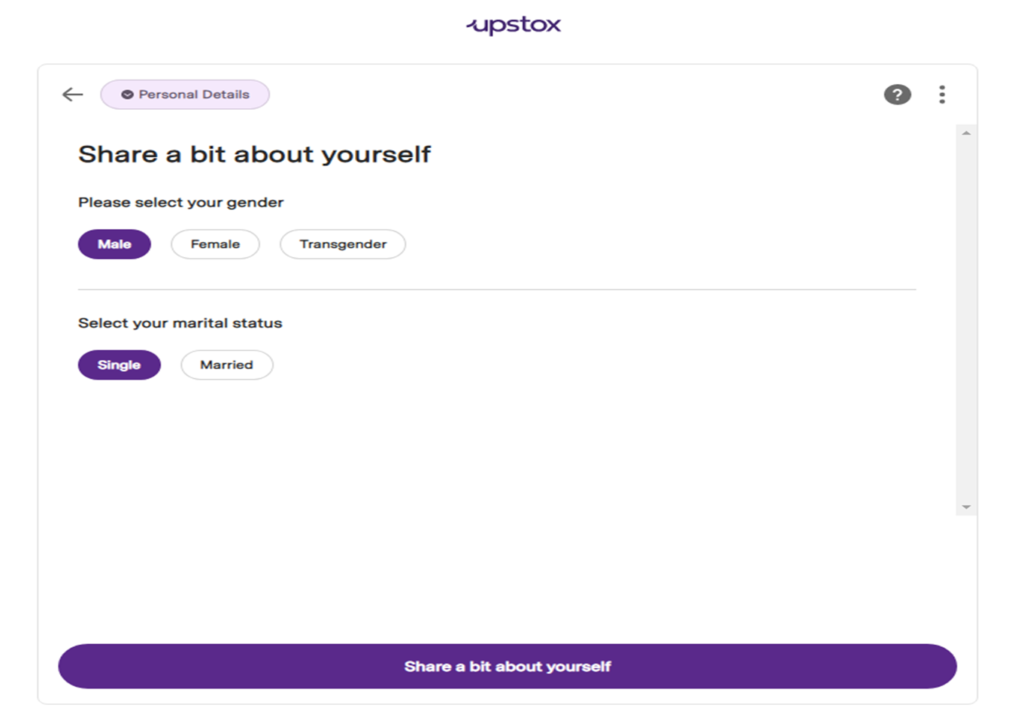
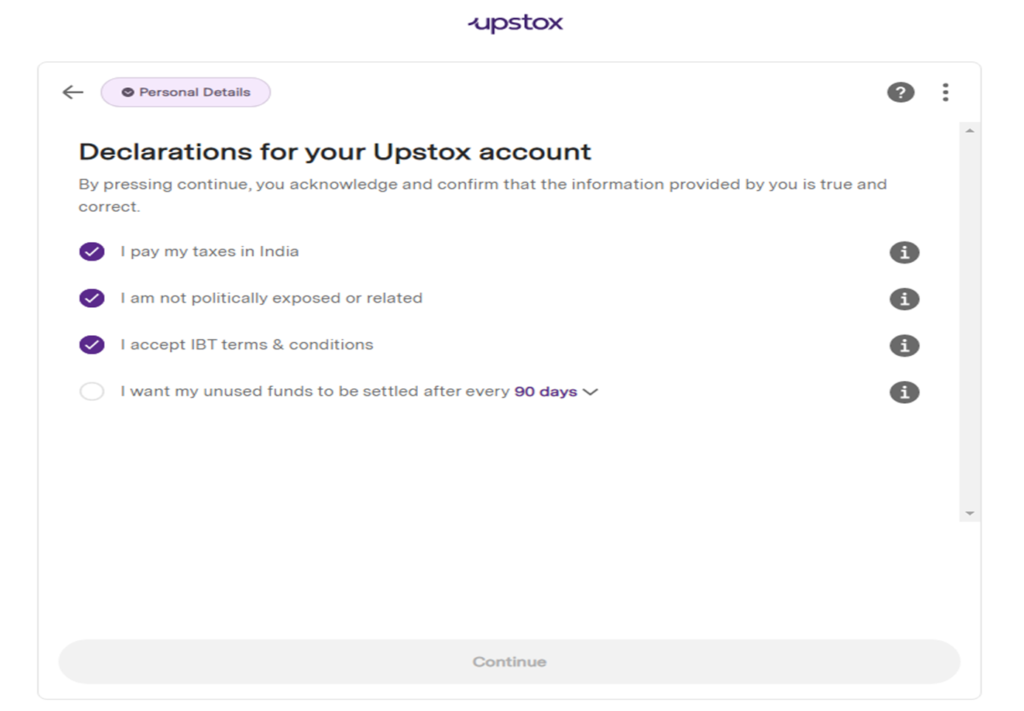
Enter your father’s name as per your PAN card and seamlessly proceed by sharing your personal details.
Enter your ‘Personal Details’ and click ‘Continue’.
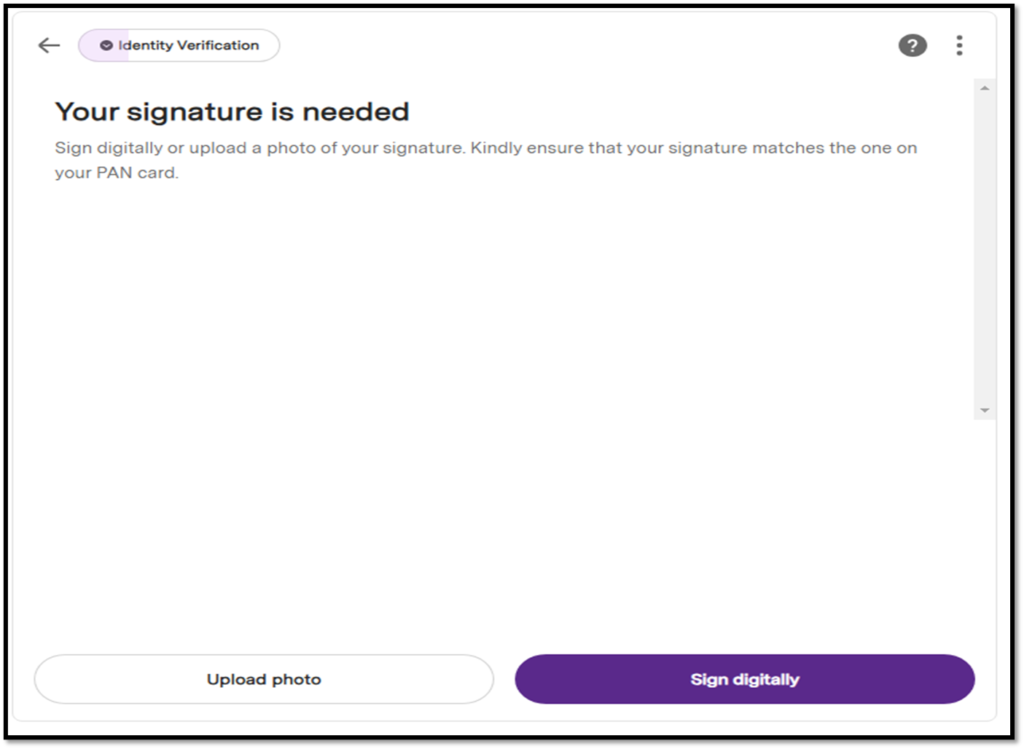
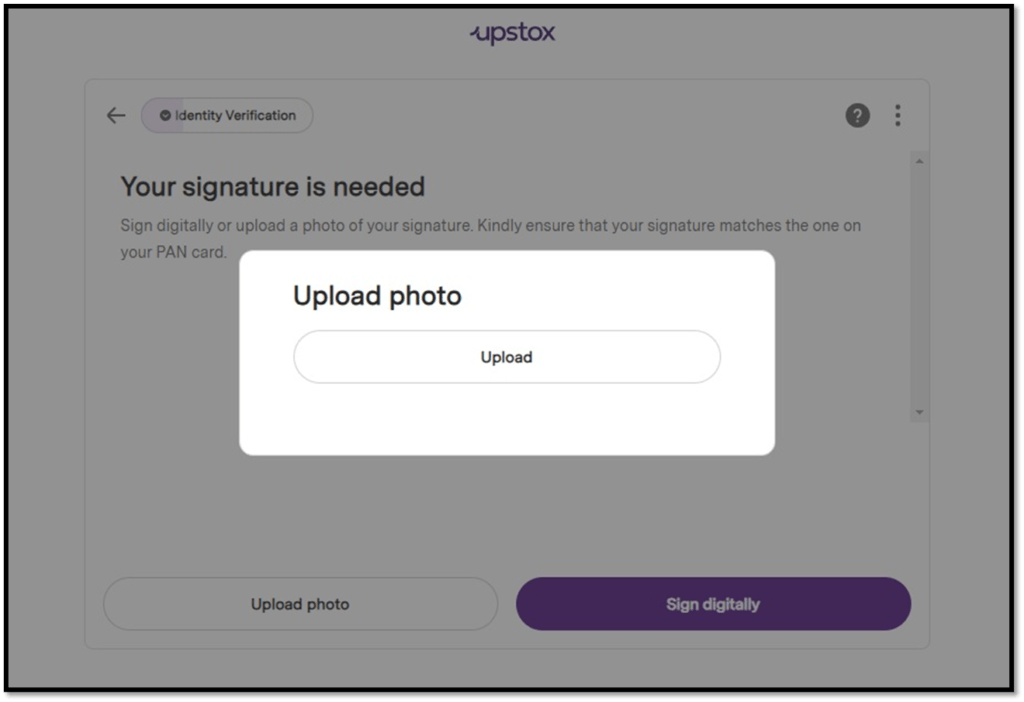
Next your ‘Signature’ is required for which you can ‘Sign digitally’ or ‘Upload photo’. Kindly ensure your signature matches with your PAN.
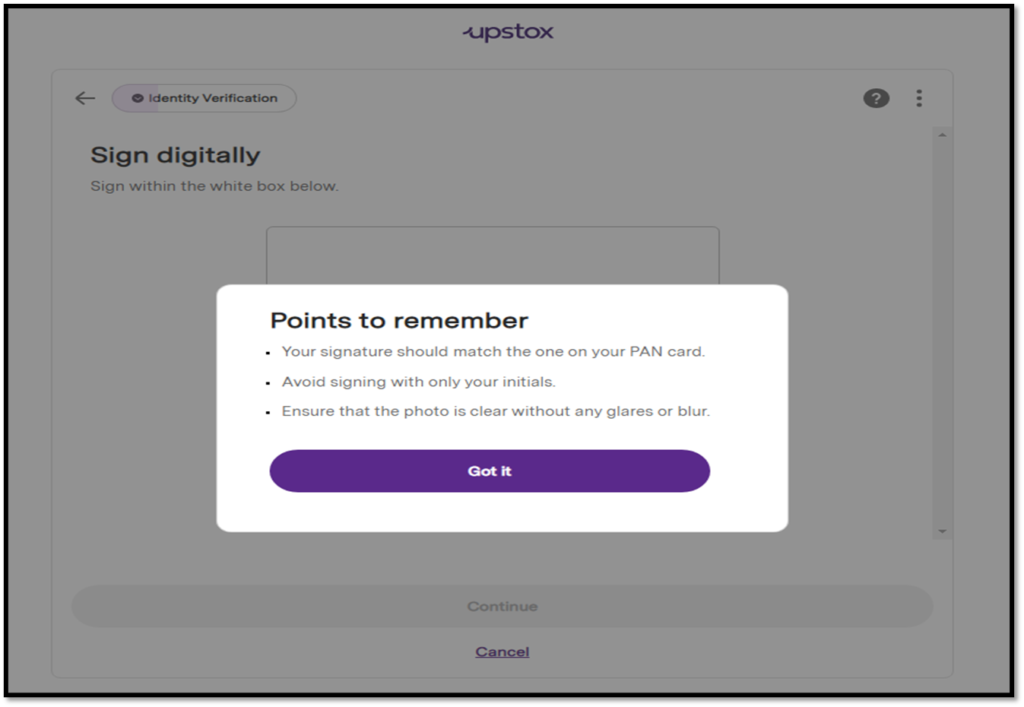
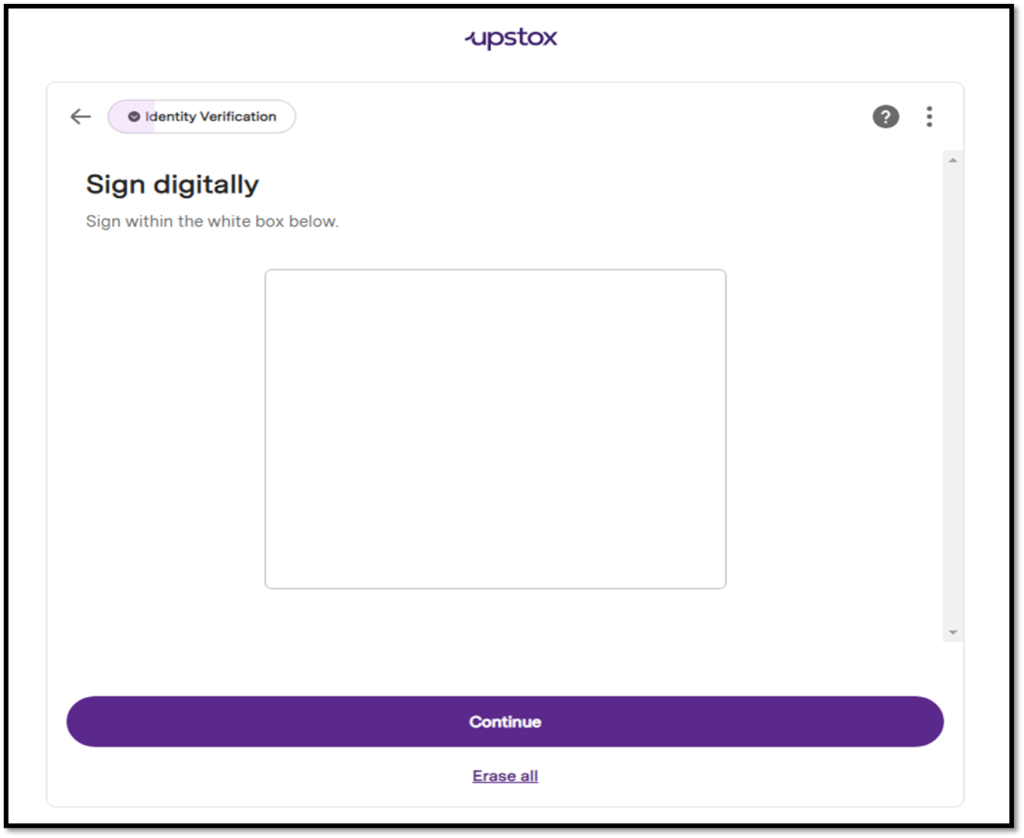
A. Digital Signature: If you click on ‘Sign digitally’, ensure you follow the instructions on the screen
Signature should be done within the box
Initials will not be accepted
Signature should be readable and clear
Signature should match your PAN signature
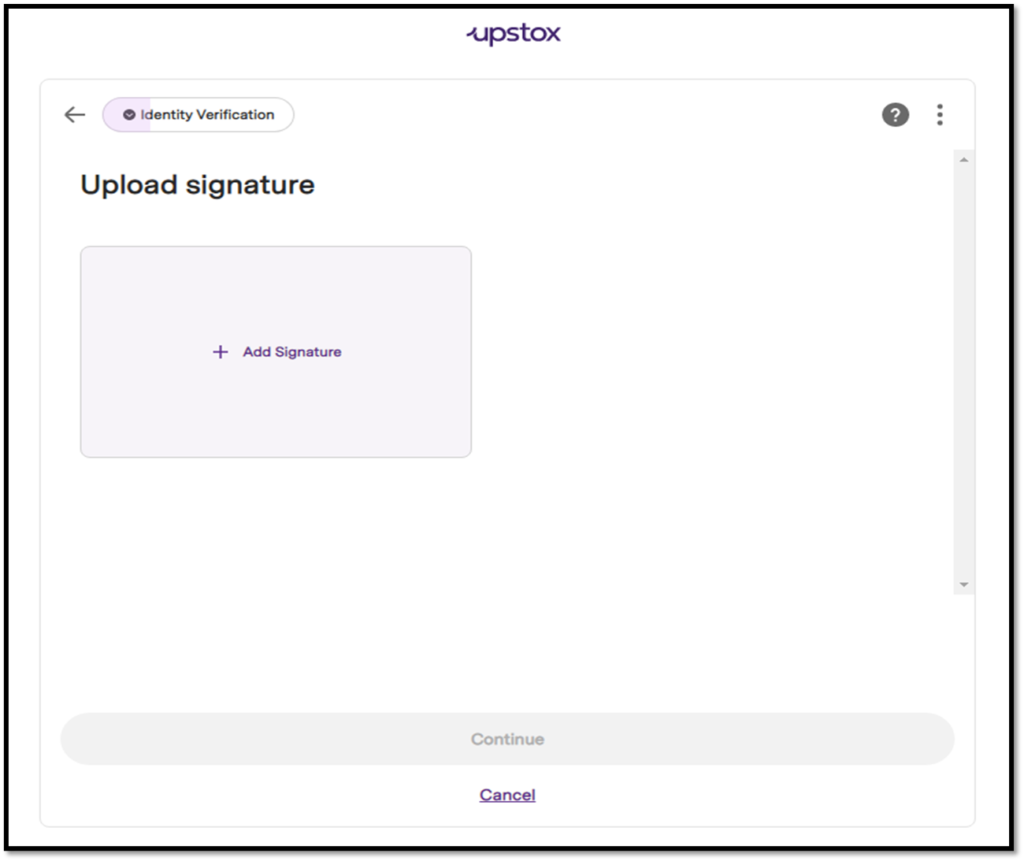
B. Upload Signature Manually: If you want to upload a photo of your signature, please ensure
Signature matches your PAN card signature
Signature is readable and clear
Signature is on a plain white paper in blue or black pen
Initials will not be accepted
Next, click on ‘Continue’ to proceed further.
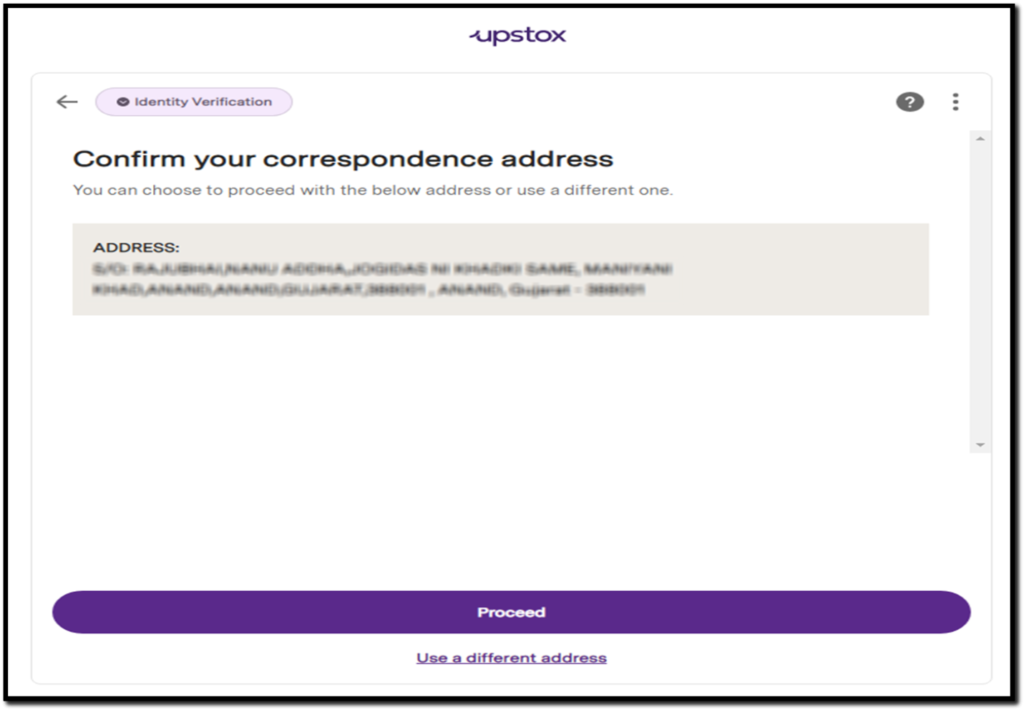
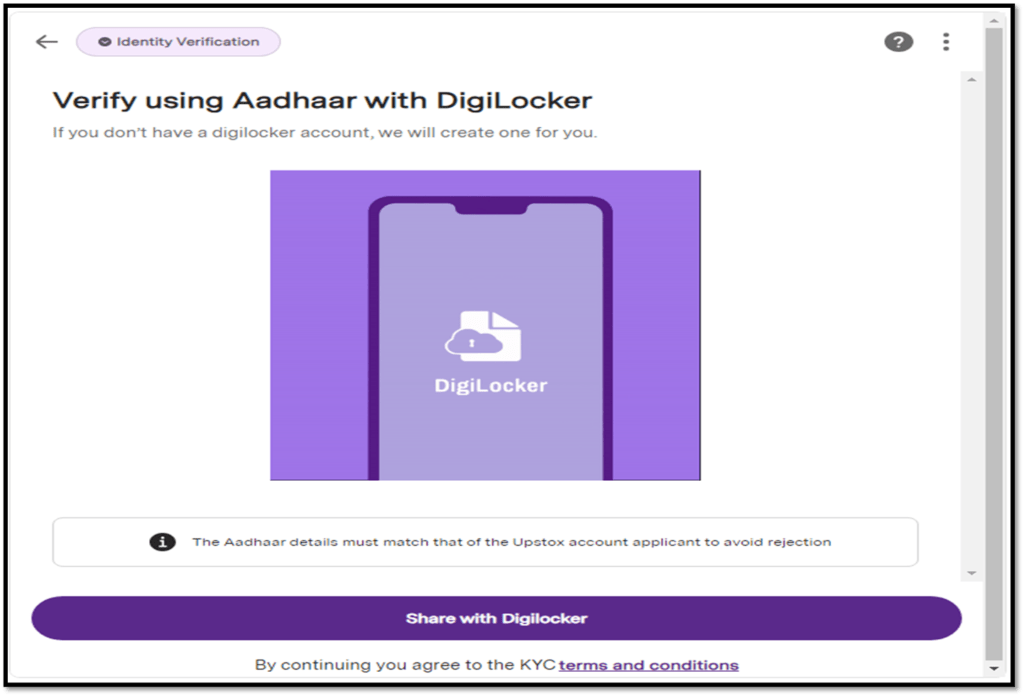
For KRA-compliant users with an existing Demat account, click ‘Proceed.’ Otherwise, conveniently link your DigiLocker with Upstox.
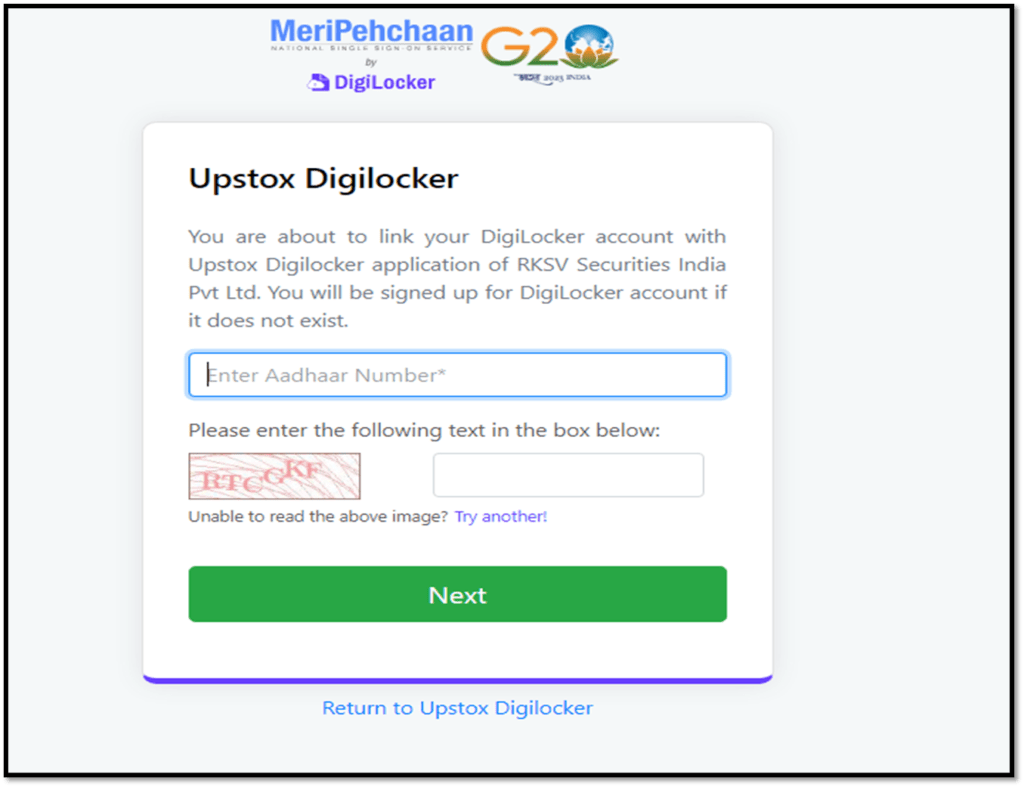
And if this is your first Demat account, it will mean that you’re ‘Non- KRA’ Compliant as you’ve not completed your registration process with the KYC Registration Agency (KRA) and KYC details have not been verified and authenticated. In this case, you will need to complete the KYC registration process by linking your DigiLocker with Upstox.
To do this, enter your Aadhaar number and OTP.
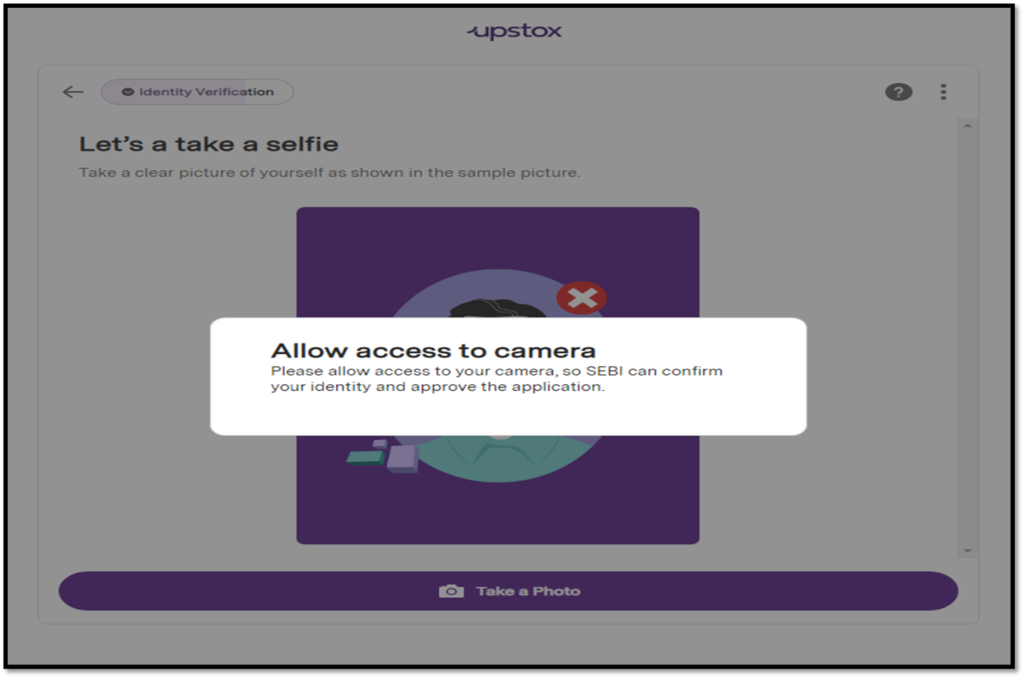
On the next screen you will see a request to allow camera access to capture a live photograph (a requirement mandated by SEBI).
Note:
Your face should be clearly visible
You can’t wear glasses, headphones etc.
Your image should display only you and not anyone else
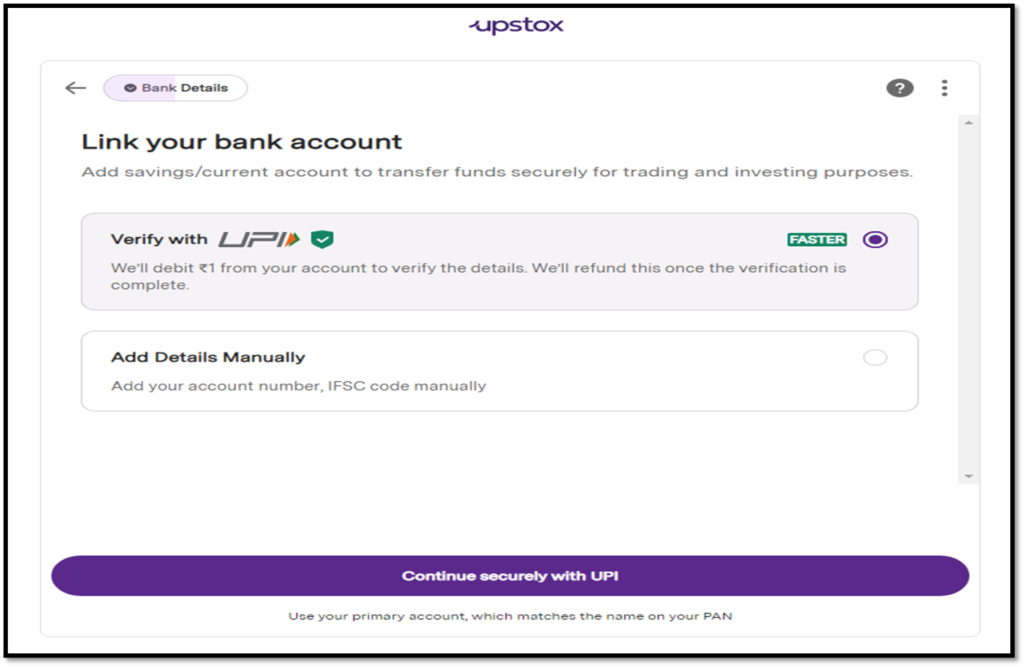
Link your Savings/Current bank account for fund transfers for trading and investing. Ensure to add your own bank details, and know that joint accounts are accepted.
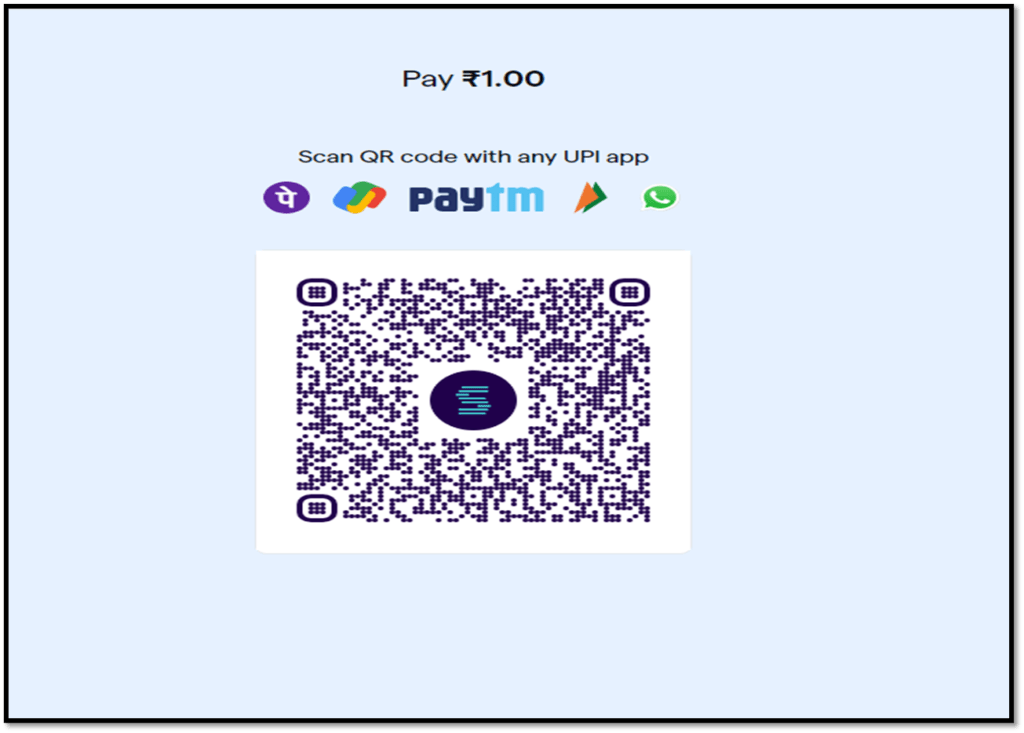
A. If you select ‘Verify with UPI’ it is advised to scan the QR code, which will result in an automatic debit of ₹1 to verify bank details. Once your bank account details are verified, the ₹1 will be refunded.
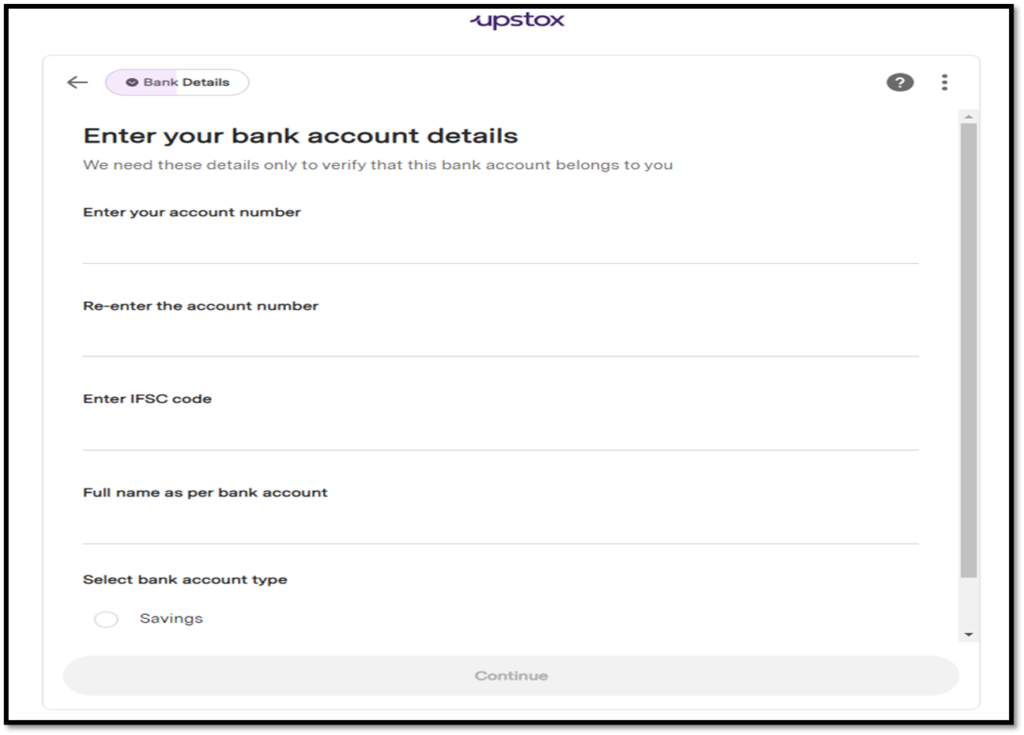
B. If you select ‘Add Bank details manually’, you’ll need to enter your Account Number, IFSC code and name and select an account type (Savings or Current). If details are updated correctly then ₹1 rupee will be credited to your bank account.
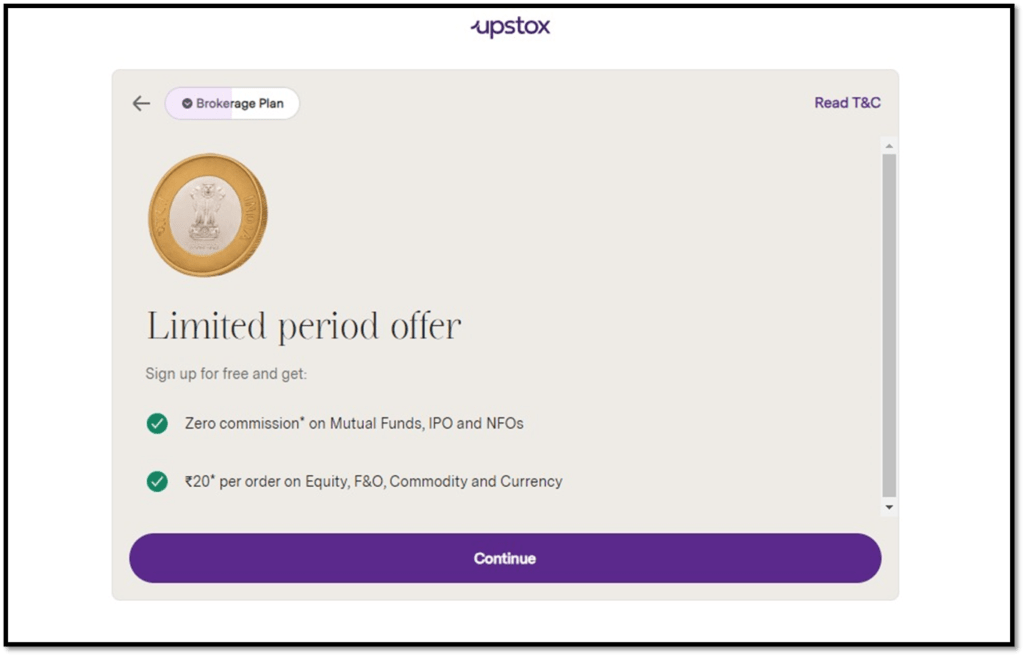
Next you’ll see benefits of your brokerage plan.
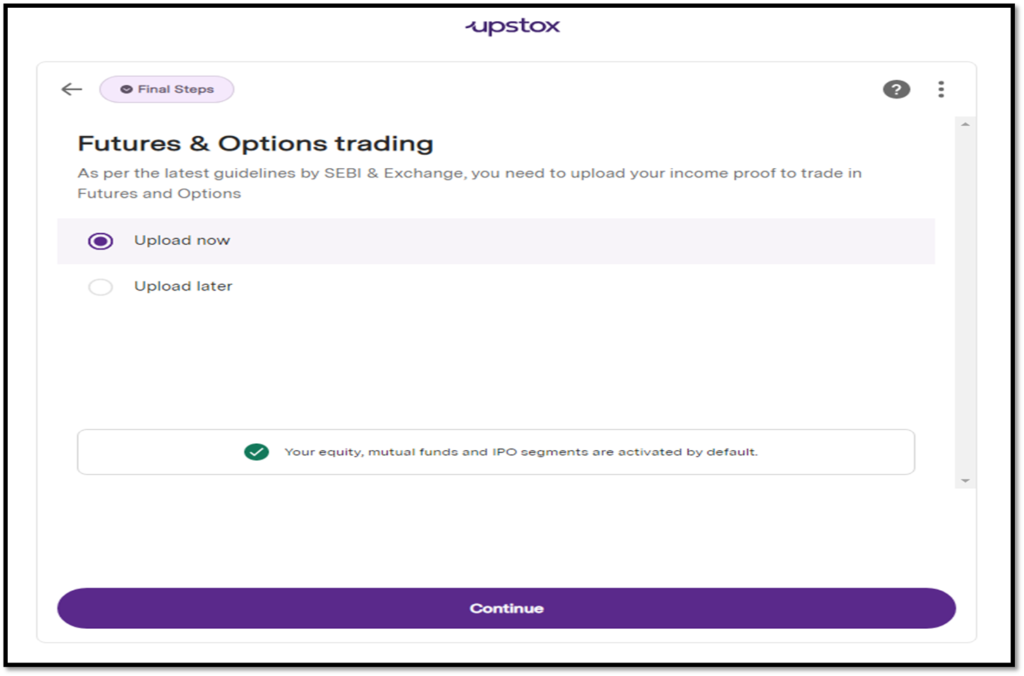
Now if you want to activate F&O (Futures and Options), Currency and MCX (Commodity) trading, income proof is needed. Click on ‘Upload now’ or you can do this later by clicking on ‘Upload later’.
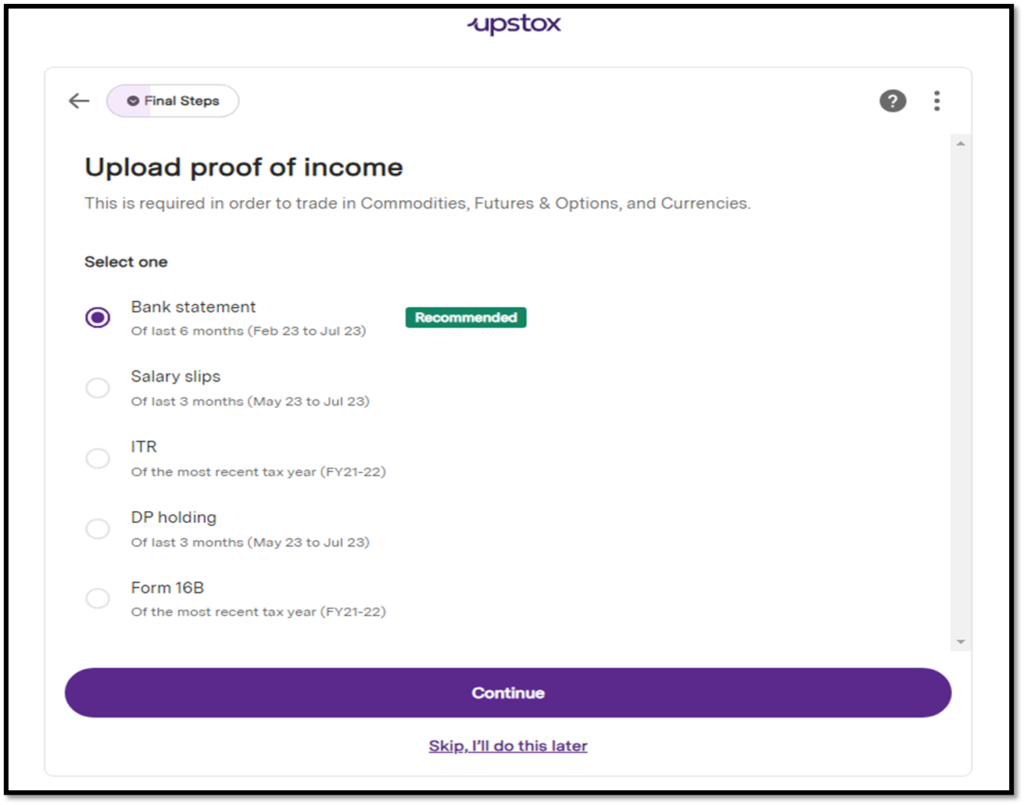
Upload any one of the income proof documents mentioned in the image below.
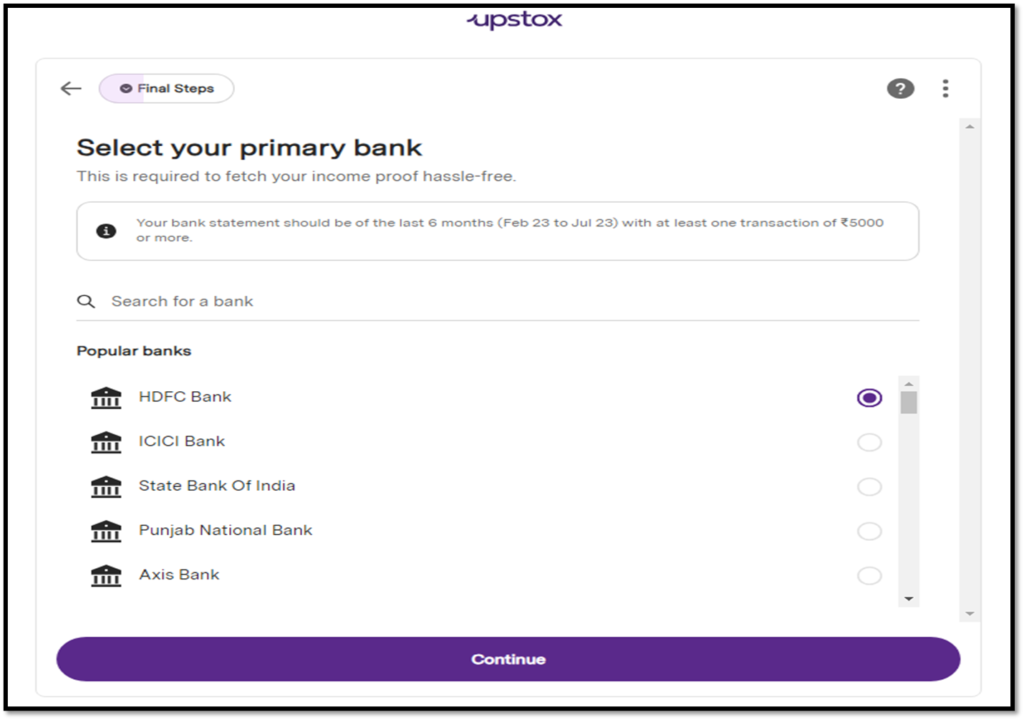
If you select ‘Bank statement’, select the bank name.
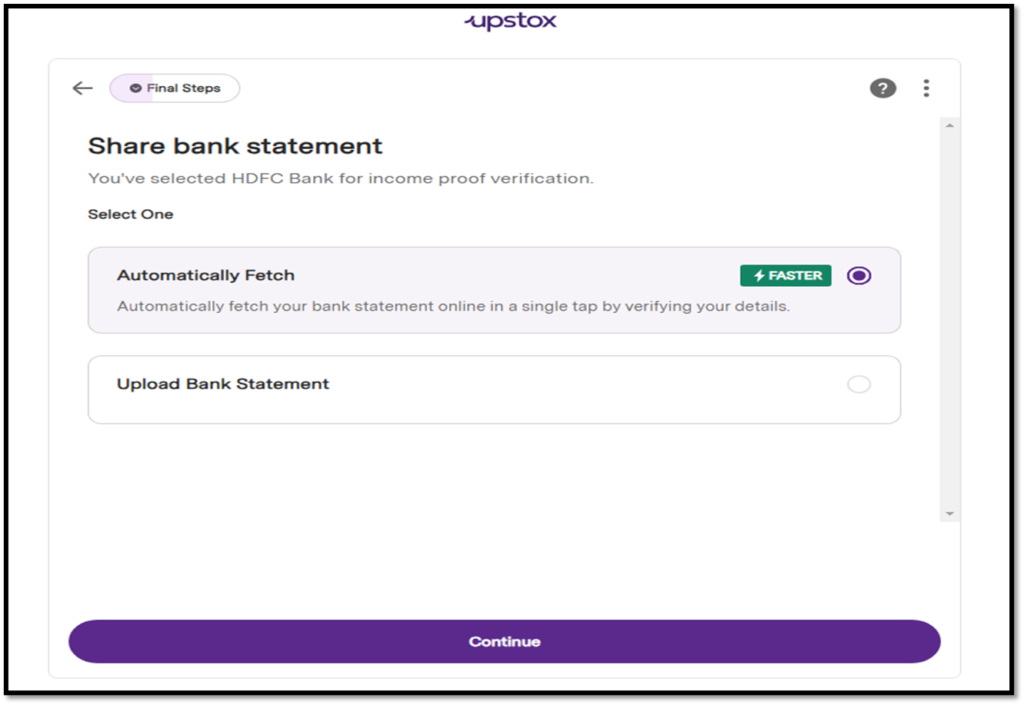
You’ll get to choose from the following two options
a. Automatically Fetch
b. Upload Bank Statement
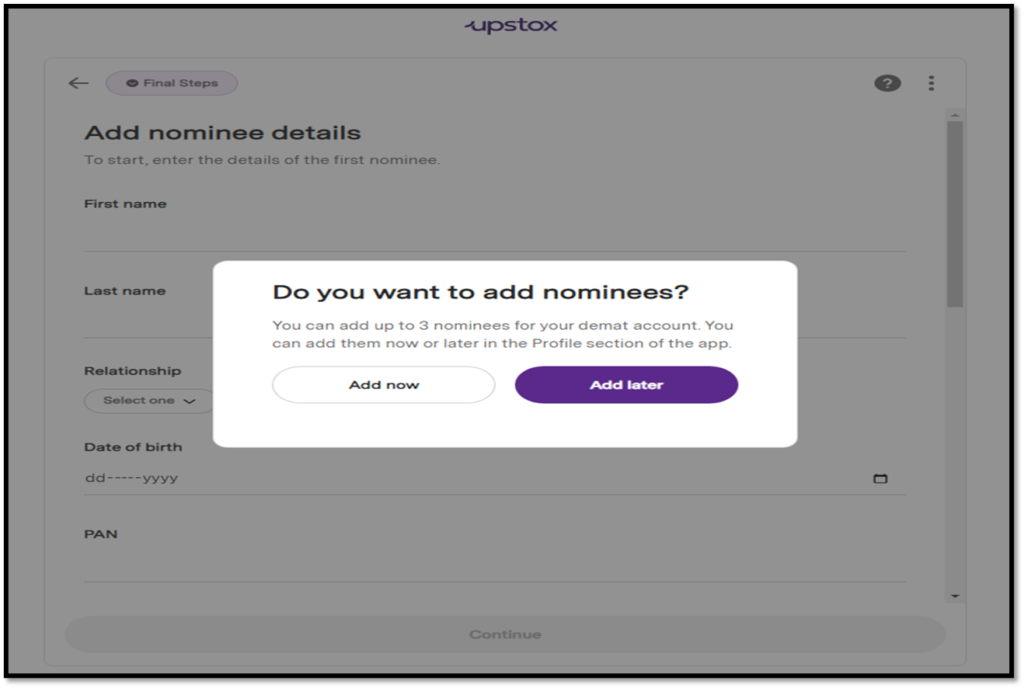
Then you will see a ‘Nominee Addition’ screen where you can add upto 3 nominees for your account.
Click on ‘Add now’ to add nominees right away or click on ‘Add later’ to add them later.
If you click ‘Add now’ then you need to add nominee details and upload anyone of these as address proof for them – Driving licence, Passport, Aadhaar, PAN, Voter ID or Birth Certificate.
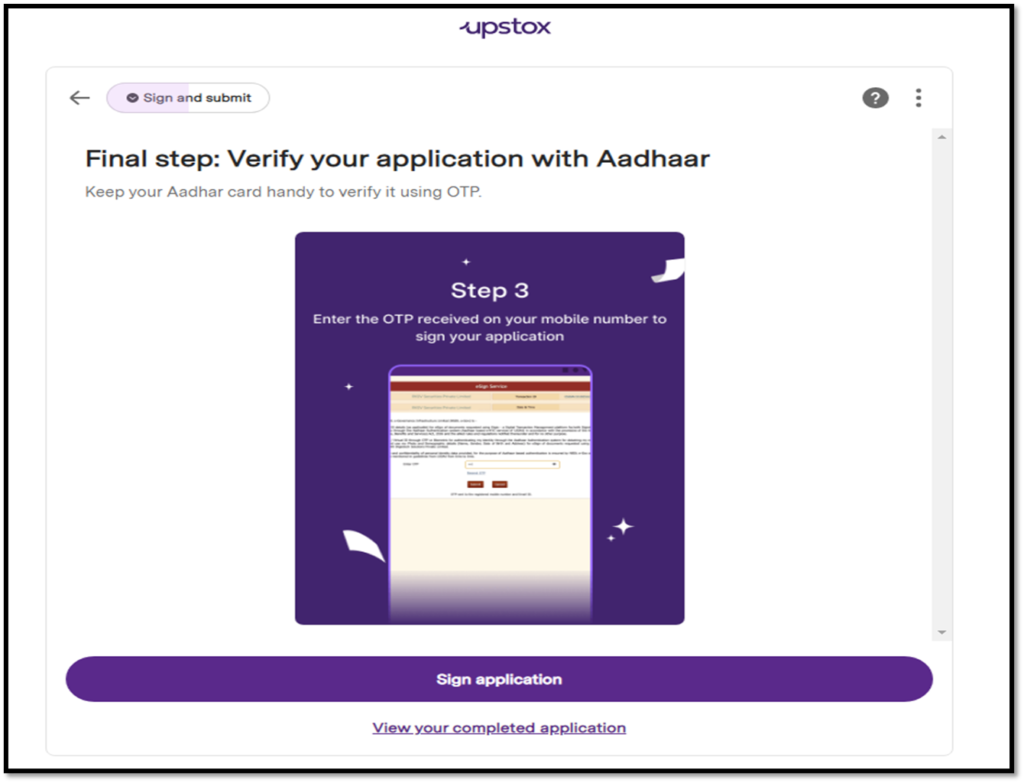
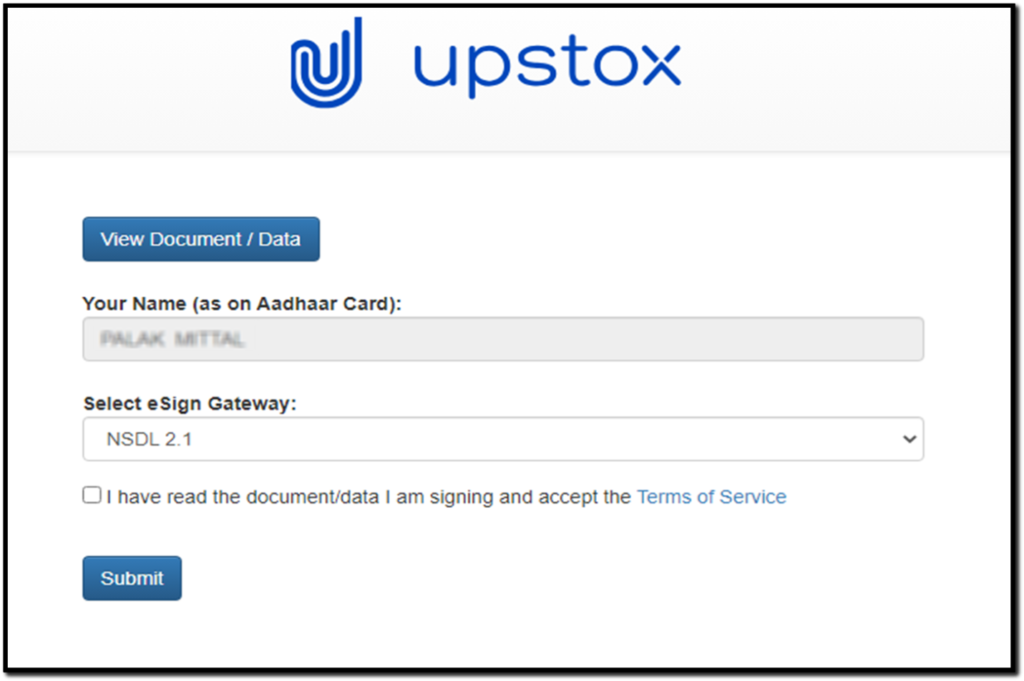
Final step is to verify your application with Aadhaar. To do this, you will receive an OTP on your Aadhaar linked mobile number.
Enter this OTP
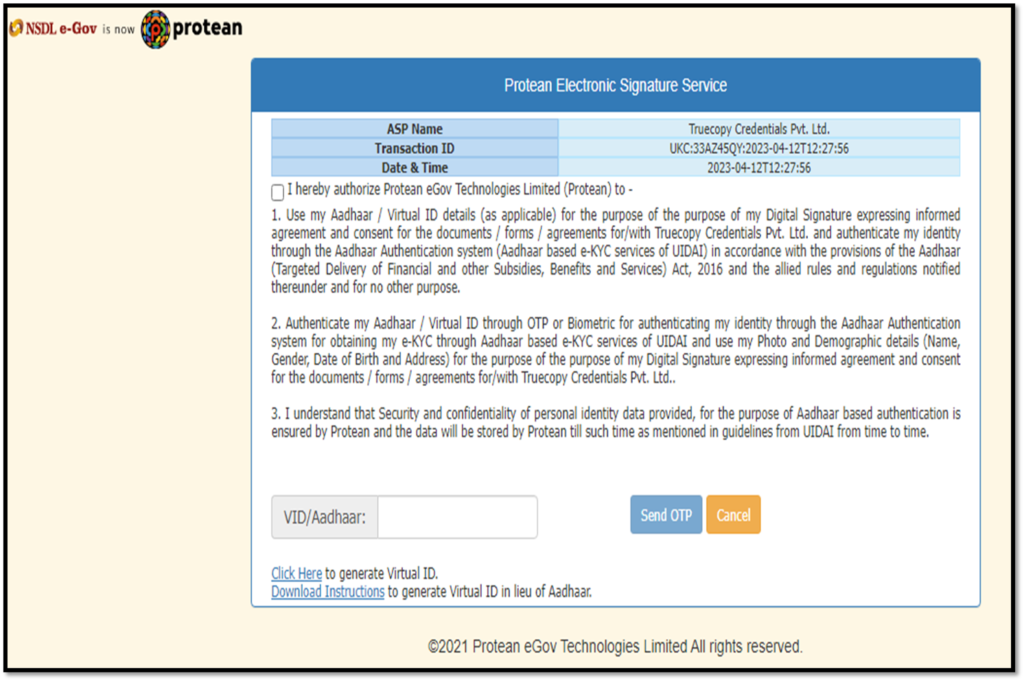
Enter your Aadhaar number, tick the T&C box, and click on Get OTP.
Enter the OTP and complete the process.
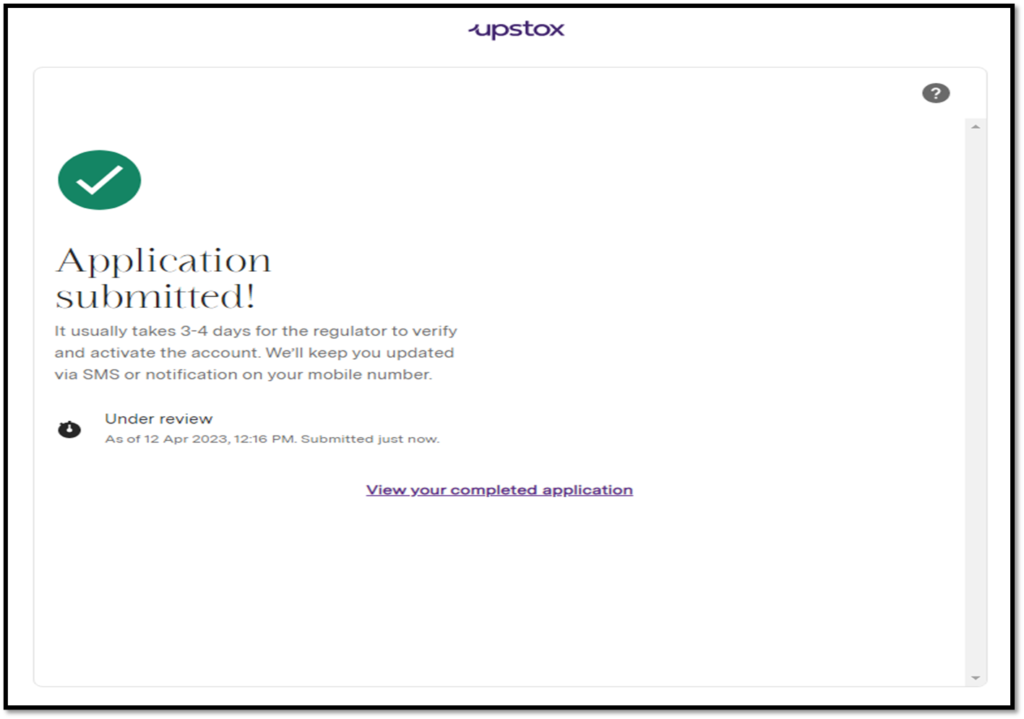
Once you have successfully completed the Upstox Account Opening process you can track your application status. It will take up to 4 working days to verify and activate your Upstox account.